Update: I've published more detail in ESPHome HW211 Component.
I made my own Wi-Fi adapter for my heat pump hot water system. I was inspired by this thread on the home assistant forums which documented the modbus registers.
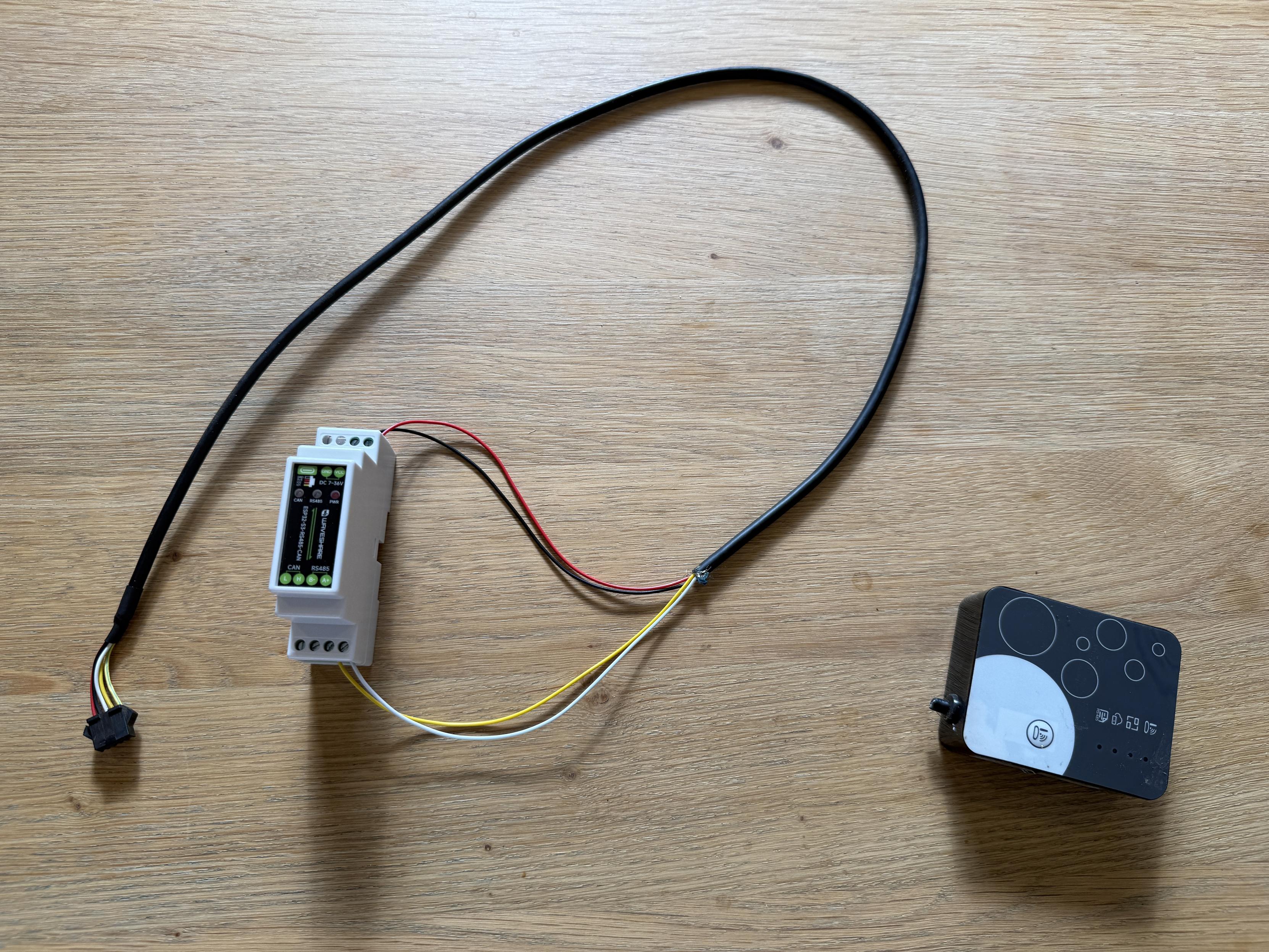
For this project I used a Waveshare ESP32-S3-RS485-CAN.
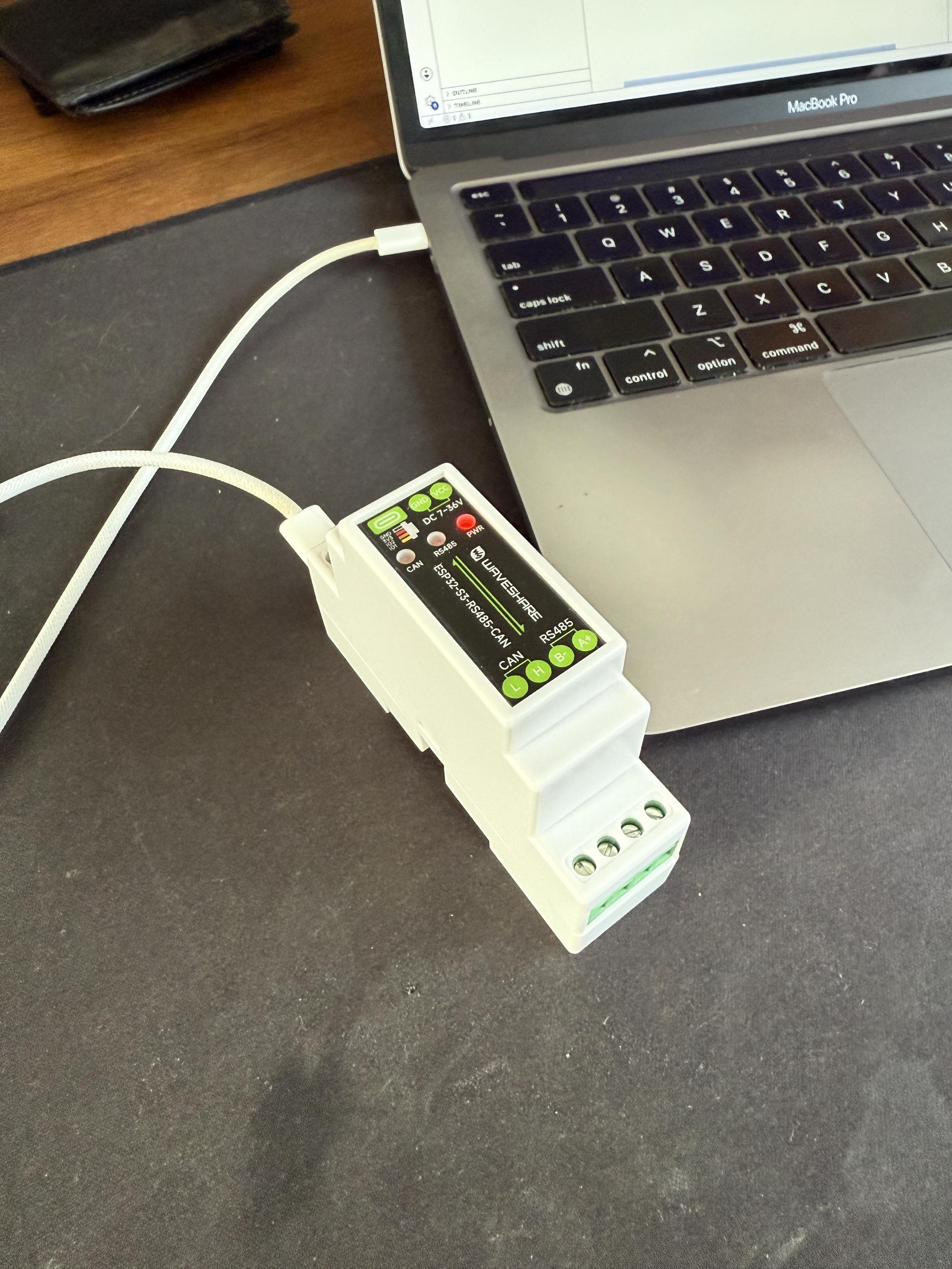
Overview
- Get an ESP32 module that supports 12V in and has a RS485 transceiver
- Flash the module with esphome so you can do OTA updates
- Install the module
- Tinker with the esphome config to your liking
Installation
These instructions are for the EvoHeat 270. Your mileage may vary.
- Turn off power at the isolator
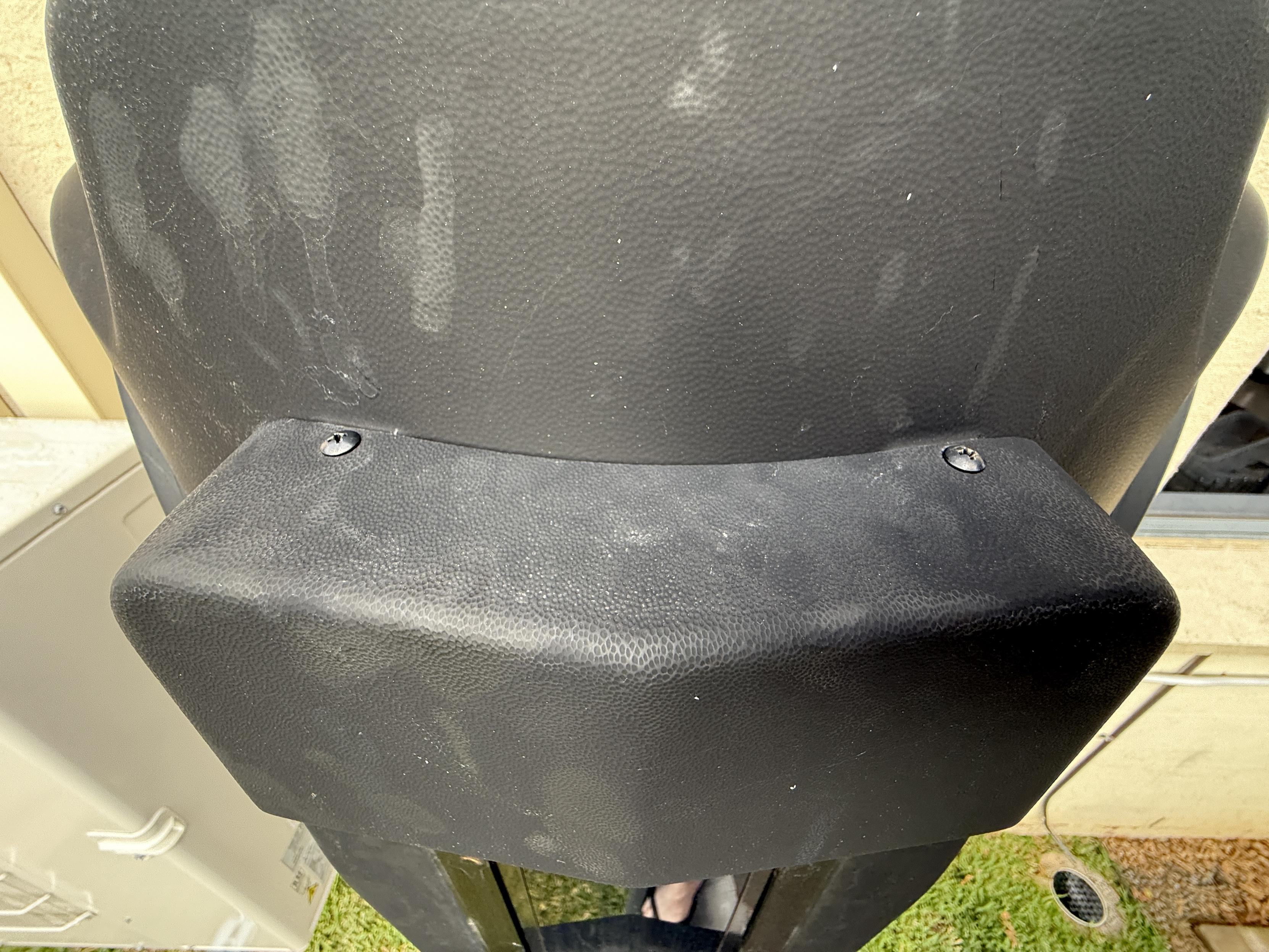
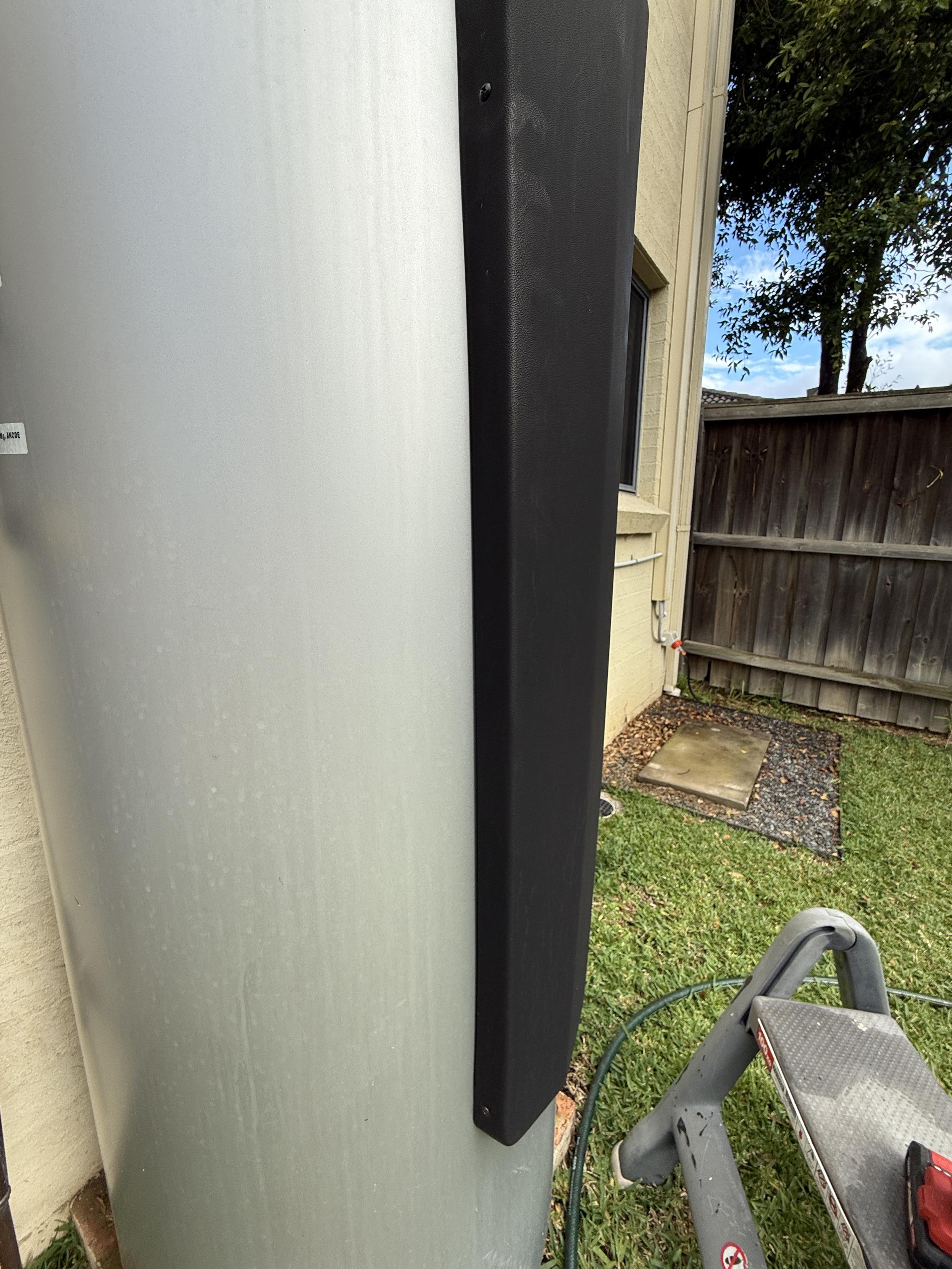
- Undo two screws on the top of the front cover
- Undo two screws on each side
- Lift off the front cover - be careful as the LCD screen has a cable attached
- Unplug the old Wi-Fi module or find the unused cable
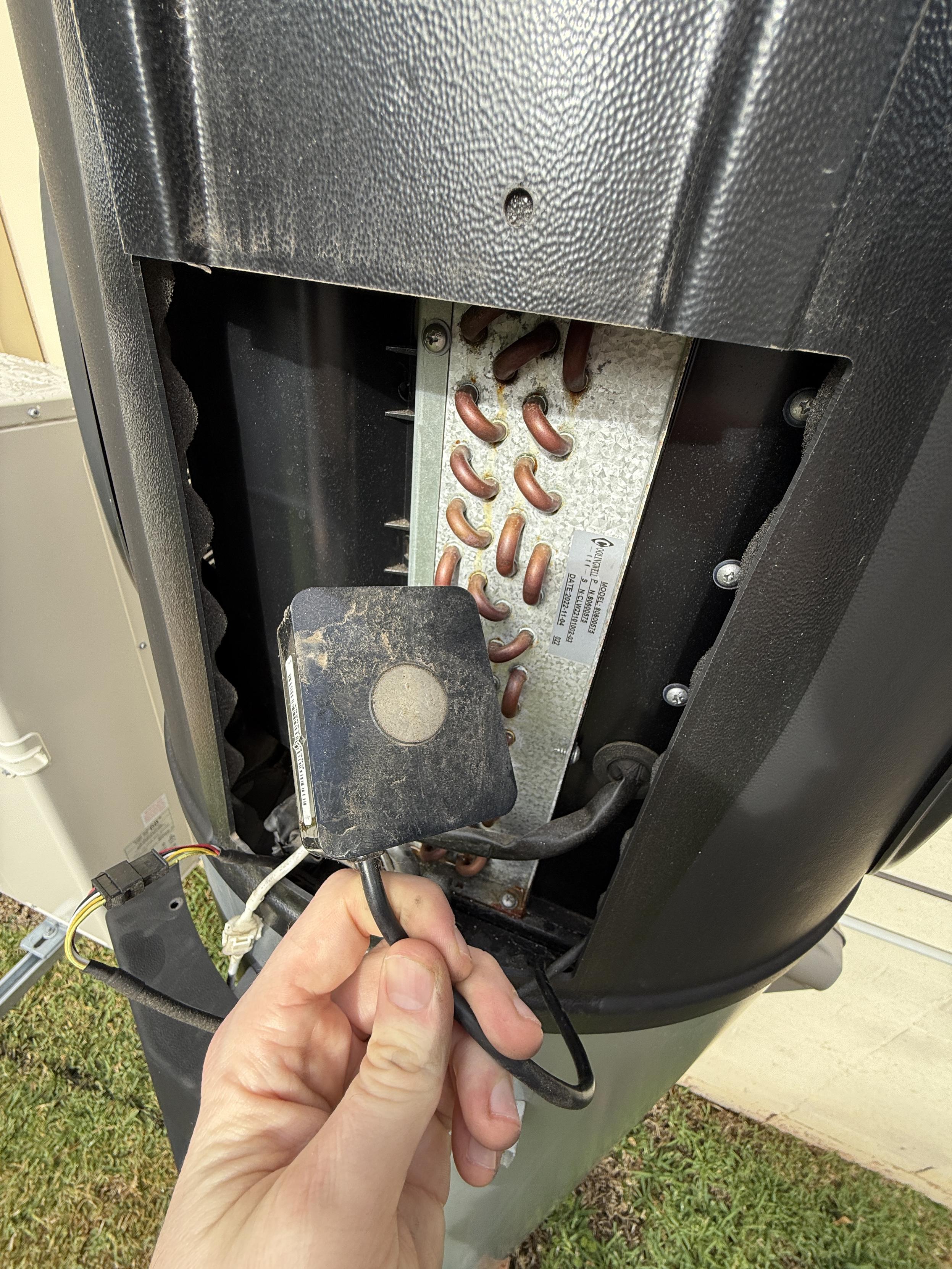
The cable provides:
- Red: 12V
- Black: GND
- White: RS485 A
- Yellow: RS485 B
I just chopped the cable but you can also open up the old wifi module and disconnect the cable
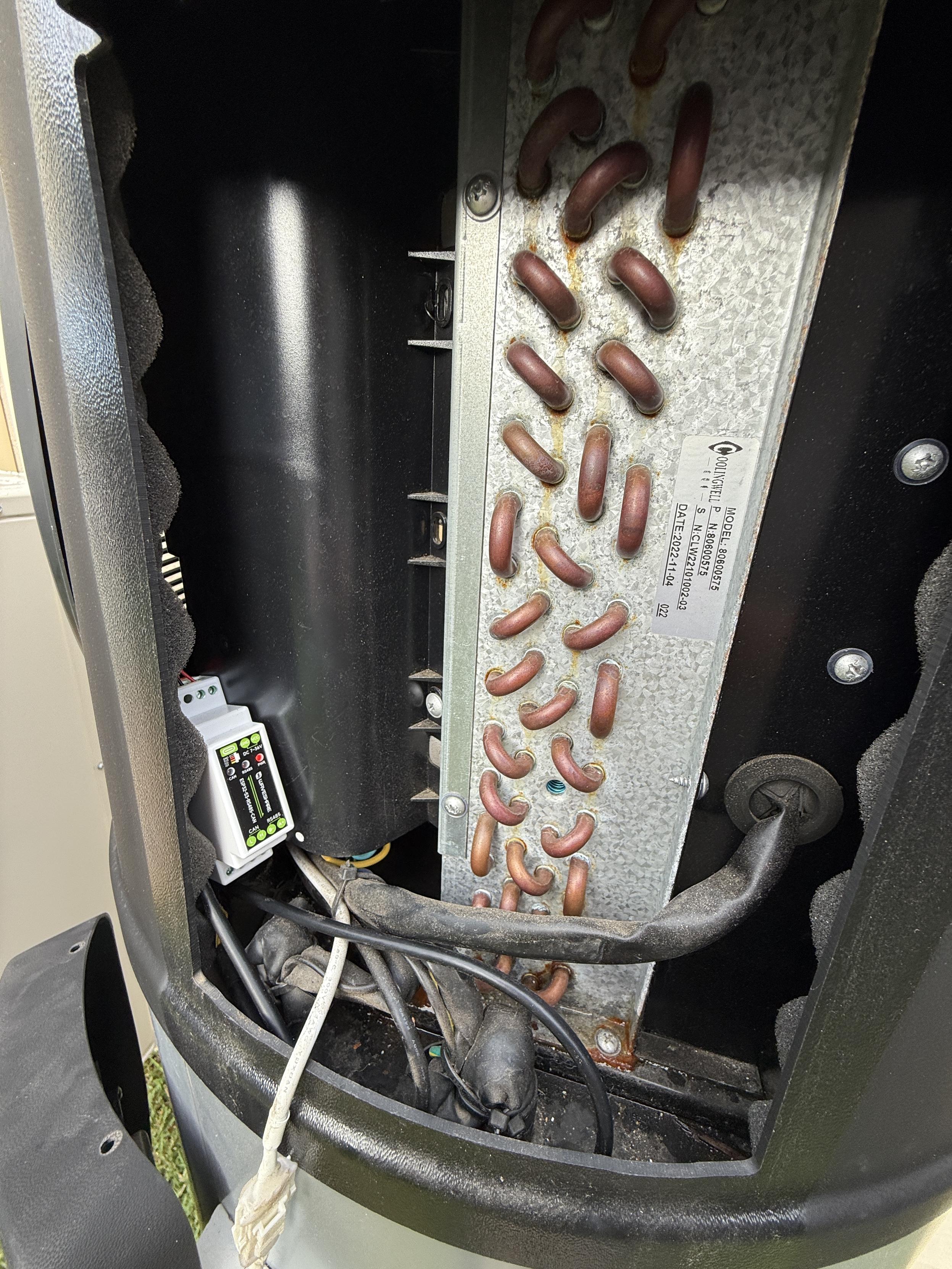
I put the new module in and tried to keep it off the bottom of the enclosure, since that area can get wet. After reinstalling the cover and switching the power back on, it came alive.
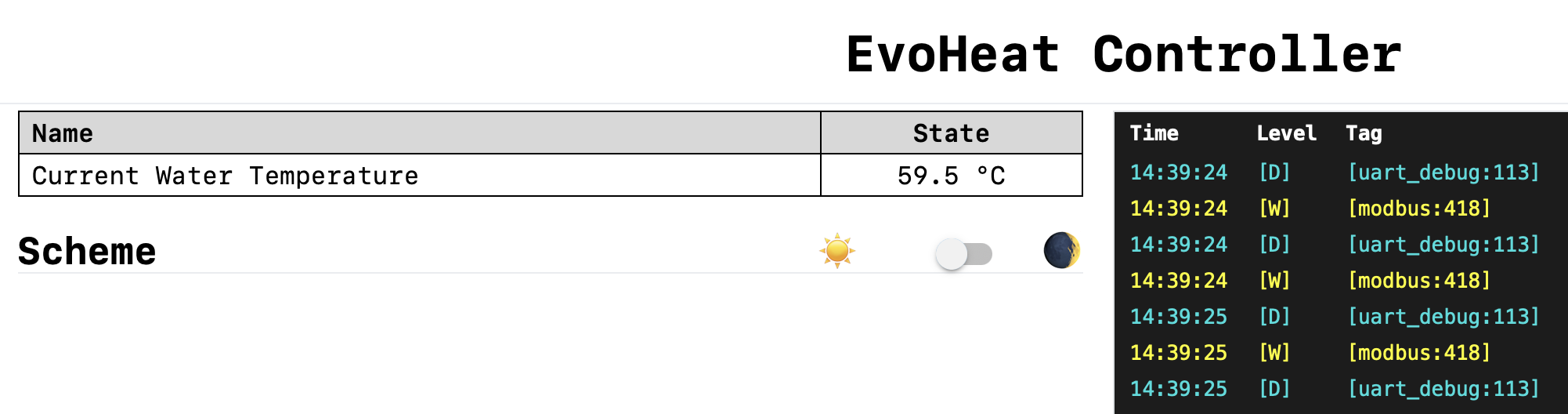
Test
Turn the power back on at the isolator and test you can reach the device. All done!
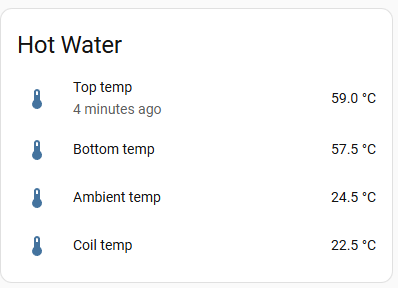
Original Mastodon posts: starting the project, removing the old module, cable mapping, new module installed, and Home Assistant dashboard.